25
Liquidation Lines
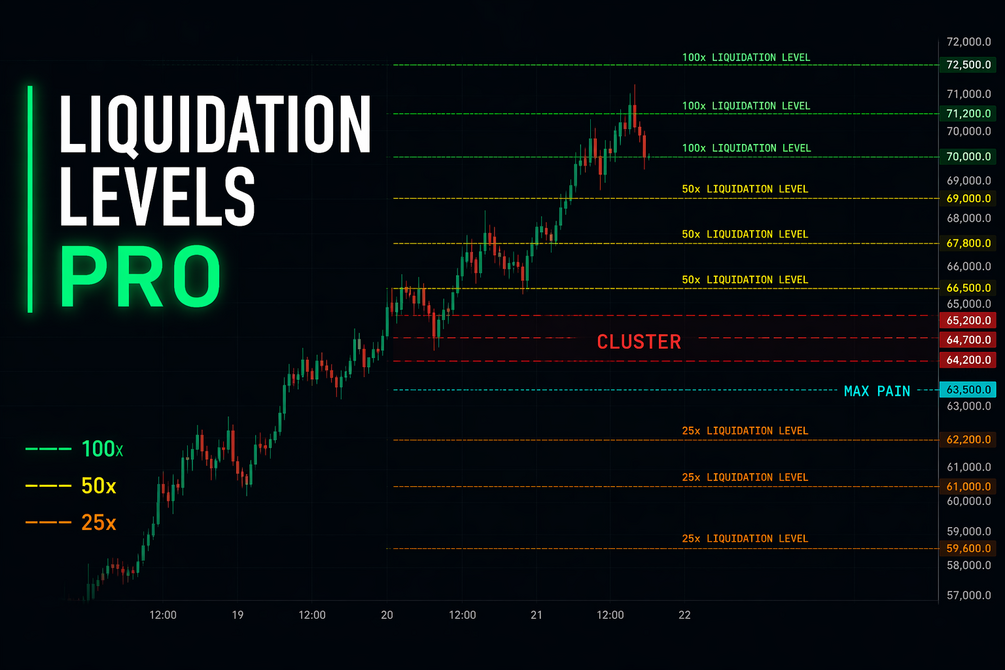
Maps where leveraged longs and shorts may be liquidated from significant volume spikes. Default tiers include 100x at 1 percent, 50x at 2 percent, and 25x at 4 percent from entry.
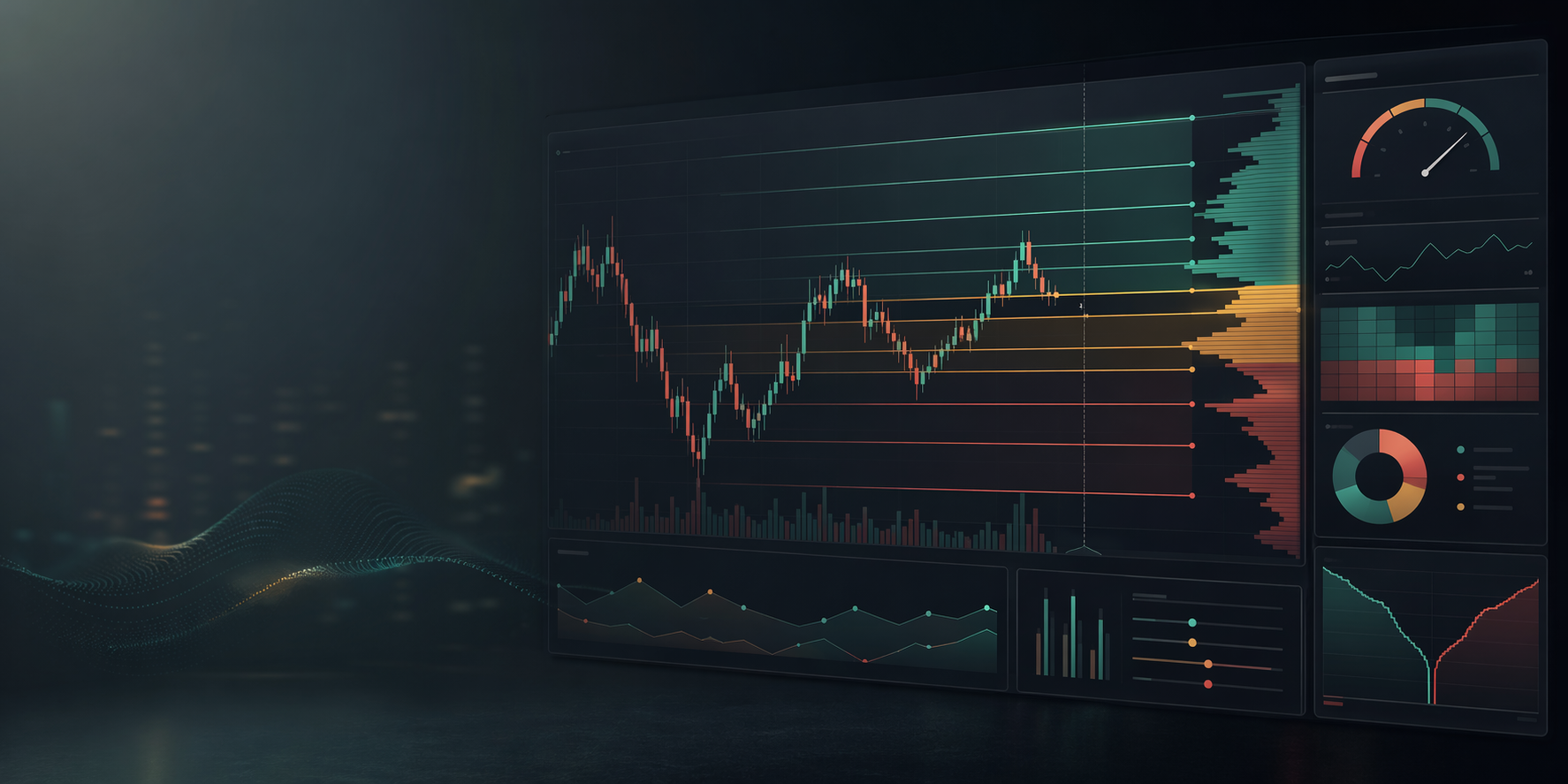
TradingView invite-only indicator
See where leveraged traders get wiped. Liquidation zones, cluster detection, Max Pain levels, and density histogram, live on any supported crypto chart in TradingView.
What it does
When volume spikes, traders are entering positions. Liquidity Levels Pro calculates where those traders get liquidated at 25x, 50x, and 100x leverage, plots those levels on your chart, and identifies where the heaviest liquidation clusters sit.
Those clusters become key reaction zones for trade planning, invalidation, and liquidity sweep awareness.
Core features
Maps where leveraged longs and shorts may be liquidated from significant volume spikes. Default tiers include 100x at 1 percent, 50x at 2 percent, and 25x at 4 percent from entry.
Flags high-density zones when multiple liquidation levels stack within your configured proximity.
Labels the strongest liquidation concentration above and below current price so the most important pockets are visible fast.
Shows liquidation density in a volume-profile-style display across the visible price range.
Uses standard deviation thresholds to filter routine volume from meaningful events.
Removes swept levels by close-through, wick-touch, or body-through logic depending on your style.
Settings overview
| Group | Key controls |
|---|---|
| Detection | Reference price, standard deviation length, sensitivity thresholds. |
| Leverage Levels | Toggle each tier on or off, including optional extra tiers. |
| Sweep Detection | Choose how completed levels are removed from the chart. |
| Max Pain | Lookback period, scaling, and minimum strength. |
| Cluster Detection | Minimum level count and proximity percentage. |
| Display & Colors | Lines, labels, histogram, opacity by strength, and full tier color control. |
This is a TradingView invite-only indicator for crypto pairs with volume data. It does not auto-trade, provide pre-configured alerts, or work outside TradingView.
Access flow
Included
Not included
FAQ
A free TradingView plan works. Invite-only indicators are supported across plan tiers.
Access is added within 24 hours of purchase, usually the same day.
Any crypto pair with volume data on TradingView. It works from 1 minute through 1 week, with strong practical use on 15 minute to 4 hour charts.
One license covers one TradingView account. Additional seats can be requested.
Yes. Updates are pushed to your TradingView access automatically.
This is a digital invite-only product. Because access is granted manually, all sales are final after access is issued. Setup issues should be raised through Discord support.
Purchase access
Use the Gumroad checkout link below. After purchase, submit your exact TradingView username so access can be granted.