LL
Liquidation Lines
Price levels where leveraged longs and shorts can be wiped out, color-coded by leverage tier.
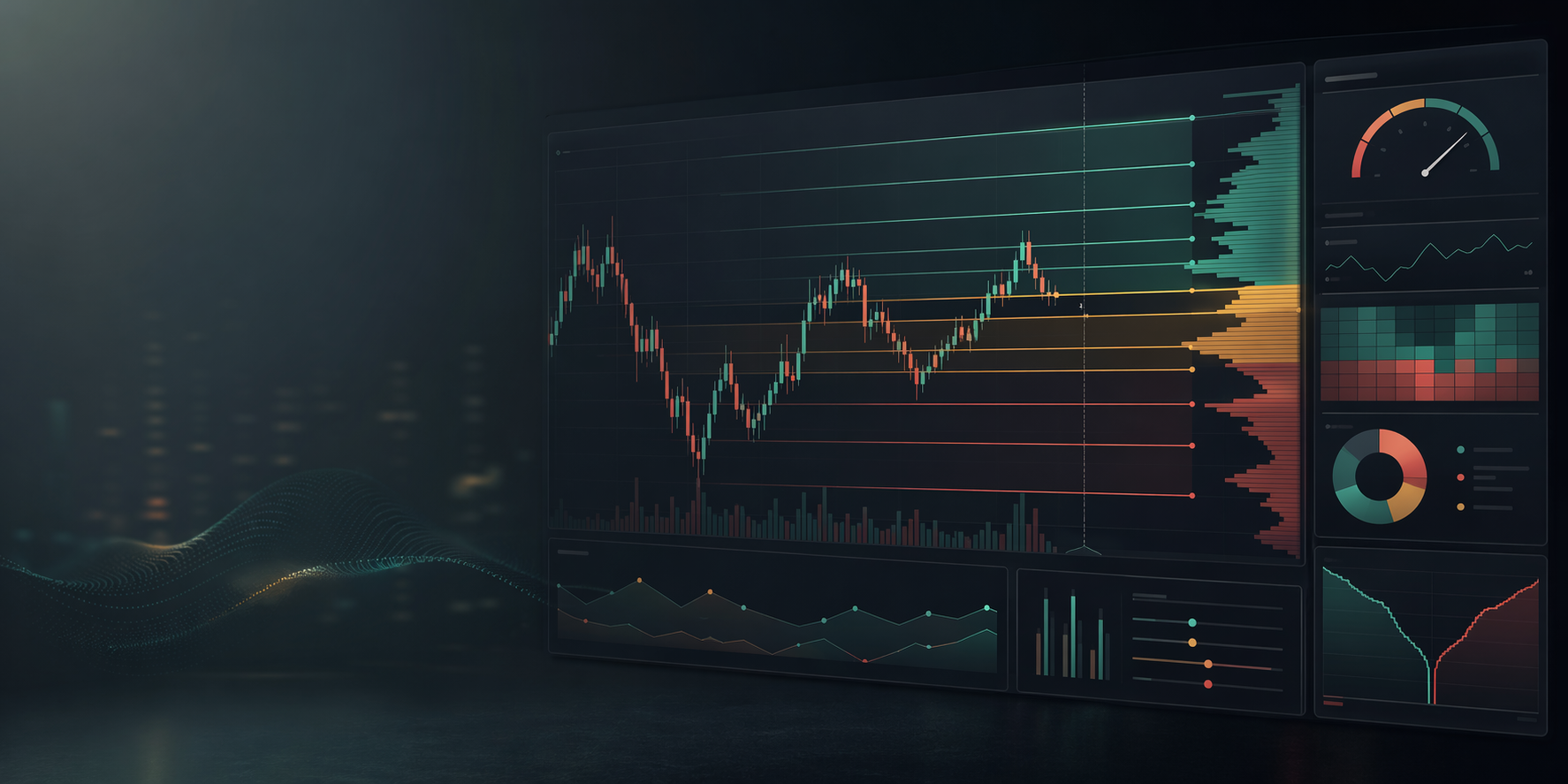
Crypto liquidity analytics for TradingView
Twisted Labs builds calm, practical trading tools, including a two-indicator liquidity workflow, that exposes liquidation levels, cluster zones, and Max Pain areas before they become obvious reaction points.
Built for chart readers
When traders pile into leveraged positions, their liquidation prices become targets. Liquidity Levels Pro calculates those levels from meaningful volume events and overlays them on your chart so you can see where forced exits may sit.
The site presents the full Twisted Labs liquidity indicator offer while routing purchase intent to the Gumroad checkout for Liquidity Levels Pro.
The indicator is designed for crypto pairs on TradingView and works across timeframes, from intraday scalping to higher timeframe planning.
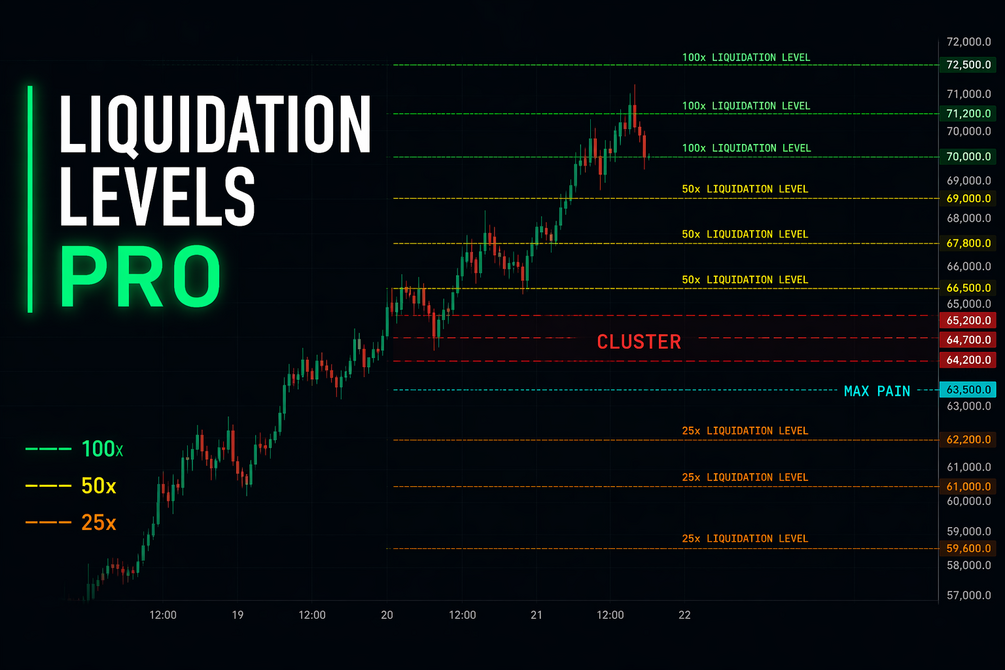
Strategy focus
Price levels where leveraged longs and shorts can be wiped out, color-coded by leverage tier.
Highlights areas where multiple liquidation levels stack together, creating high-density reaction zones.
Labels the levels above and below current price with the highest concentration of liquidation pressure.
Ready to add it to TradingView?
This is an invite-only TradingView indicator. Access is added manually, typically within 24 hours.